AlmaLinux 10.2の話を書いたのですが、その後2026年11月16日にAlmaLinux 10.3が公開され、11月17日にはRaspberry Pi用のイメージも公開されています。
ここでは、Raspberry Pi 5 4GBモデルにAlmaLinux 10.3 GNOME版をインストールしていこうと思います。以前のように、10.1から10.2へのアップグレードなどは必要なくなりました。
2026/11/16 AlmaLinux OS 10.3 and 9.9 are now available AlmaLinux News
AlmaLinux 10.3のダウンロードとコピー
AlmaLinuxのダウンロードサイトから、Raspberry Pi 5用のAlmaLinux 10.3 GNOME版をダウンロードします。
同じサイトからCHECKSUMファイルをダウンロードして確認します。CHECKSUMには4つのファイルが記載されていますが、--ignore-missingオプションにより、ダウンロードしていないファイルを無視して検証できます。ここではGNOME版と通常版の2つをダウンロードしているため、両方が検証されています。
$ sha256sum --ignore-missing -c CHECKSUM
AlmaLinux-10-RaspberryPi-GNOME-gpt-10.3-20261117.aarch64.raw.xz: OK
AlmaLinux-10-RaspberryPi-gpt-10.3-20261117.aarch64.raw.xz: OK
正しくダウンロードできていることが確認できましたから、GNOME版のイメージをRaspberry Pi ImagerでmicroSDにコピーします。
コピーしたmicroSDをRaspberry Pi 5に挿入して起動します。
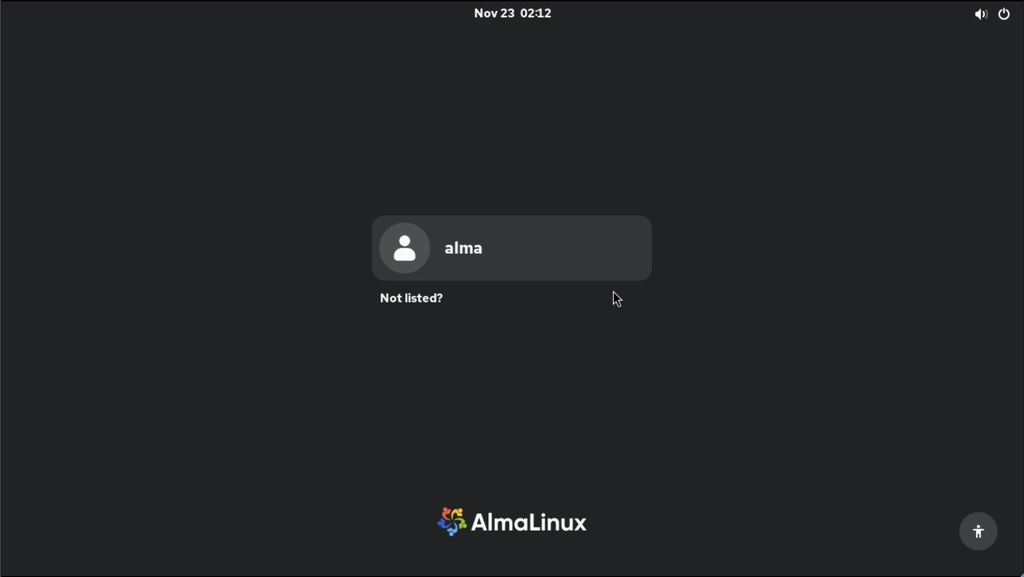
なお、ここではcloud-init用のuser-dataファイルを修正してログインユーザー名をalmalinuxからalmaに修正しています。
参考:
第3回「Raspberry Pi 4でAlmaLinuxのcloud-initを利用」
Raspberry PiのAlmaLinux 10.3
実際には、日本語化も実行して次のような画面になりました。
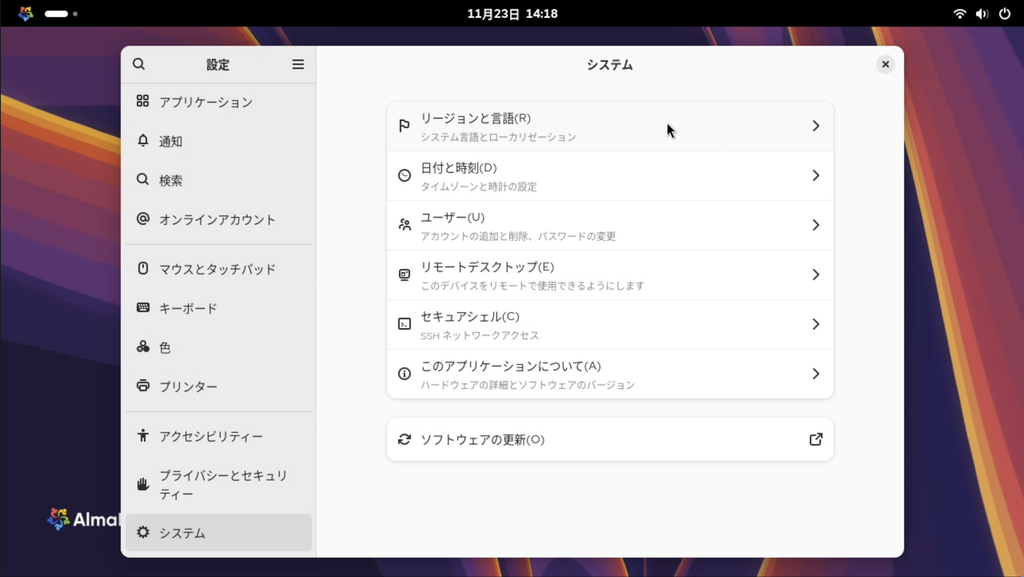
この状態でメモリーが次の状態になっています。
$ free -h
               total         used         free       shared   buff/cache    available
Mem:           3.9Gi        542Mi        2.9Gi         29Mi        575Mi        3.4Gi
Swap:           99Mi           0B         99Mi
$ swapon --show
NAME      TYPE SIZE USED PRIO
/swapfile file 100M   0B   -2
その他の情報は、次のようになっています。
$ uname -a
Linux almalinux.local 6.12.115-20261103.v8.1.el10 #1 SMP PREEMPT Wed Nov 4 08:53:13 EST 2026 aarch64 GNU/Linux
$ lsblk
NAME MAJ:MIN RM SIZE RO TYPE MOUNTPOINTS
sr0 11:0 1 1024M 1 rom
mmcblk0 179:0 0 59.5G 0 disk
├─mmcblk0p1 179:1 0 477M 0 part /boot
└─mmcblk0p2 179:2 0 59G 0 part /
$ cat /boot/cmdline.txt
console=serial0,115200 console=tty1 root=PARTUUID=36f76aac-54ee-4b6c-a250-1088b7a3cf6b rootfstype=ext4 rootwait
$ cat /boot/config.txt
# This file is provided as a placeholder for user options
# AlmaLinux - few default config options for better graphics support
[all]
auto_initramfs=1
disable_overscan=1
dtoverlay=vc4-kms-v3d
camera_auto_detect=0
gpu_mem=128
# enable serial console
enable_uart=1

## AlmaLinux - can enable this for Pi 4
[pi4]
#max_framebuffers=2
arm_boost=1

[all]
また、Raspberry Pi用のAlmaLinux 10.3の場合には、次のようなパッケージが用意されています。
$ dnf search raspberry
メタデータの期限切れの最終確認: 2 days, 5:32:40 前の 2026年11月23日 11時29分19秒 に実施しました。
==================================================== 名前 & 概要 一致: raspberry =====================================================
almalinux-release-raspberrypi.aarch64 : Raspberry Pi support packages from the AlmaLinux Core SIG repository
linux-firmware-raspberrypi.noarch : Supplemental firmware used by Linux kernel for some Raspberry Pi models
linux-firmware-raspberrypi-rpi3.noarch : Supplemental firmware used by Linux kernel for Raspberry Pi 3
raspberrypi-sys-mods.noarch : Supplemental system configuration files for Raspberry Pi
raspberrypi-userland.aarch64 : Raspberry Pi userland utilites
raspberrypi-userland-devel.aarch64 : This package contains header files for libraries from raspberrypi-userland package
raspberrypi-userland-static.aarch64 : This package contains static libraries files for raspberrypi-userland package
raspberrypi2-firmware.aarch64 : GPU firmware for the Raspberry Pi computer
======================================================== 名前 一致: raspberry ========================================================
raspberrypi2-kernel4.aarch64 : The Linux kernel
raspberrypi2-kernel4-devel.aarch64 : Development package for building kernel modules to match the kernel
raspberrypi2-kernel4-headers.aarch64 : Header files for the Linux kernel for use by glibc
raspberrypi2-kernel4-modules.aarch64 : Pseudo package for kernel modules
raspberrypi2-kernel4-modules-core.aarch64 : Pseudo package for core kernel modules
raspberrypi2-kernel4-modules-extra.aarch64 : Pseudo package for extra kernel modules
raspberrypi2-kernel4-modules-extra-matched.aarch64 : Pseudo package for extra kernel modules
raspberrypi2-kernel4-tools.aarch64 : Assortment of tools for the Linux kernel
raspberrypi2-kernel4-tools-libs.aarch64 : Libraries for the kernels-tools
raspberrypi2-kernel4-tools-libs-devel.aarch64 : Assortment of tools for the Linux kernel
======================================================== 概要 一致: raspberry ========================================================
rpi-eeprom.noarch : Raspberry Pi 4/5 boot EEPROM updater (experimental)
rpi-eeprom-firmware.noarch : Raspberry Pi 4/5 boot EEPROM firmware biaries
このうち、次のものがインストールされていました。
$ dnf repoquery --installed '*raspberry*'
almalinux-release-raspberrypi-0:10-4.el10_0.aarch64
linux-firmware-raspberrypi-0:20240528-6.el10.noarch
raspberrypi-sys-mods-0:20240718-1.el10.noarch
raspberrypi-userland-0:0.0.2-1.el10.aarch64
raspberrypi2-firmware-0:6.12.115-20261103.v8.1.el10.aarch64
raspberrypi2-kernel4-0:6.12.115-20261103.v8.1.el10.aarch64
raspberrypi2-kernel4-modules-0:6.12.115-20261103.v8.1.el10.aarch64
raspberrypi2-kernel4-modules-core-0:6.12.115-20261103.v8.1.el10.aarch64
raspberrypi2-kernel4-modules-extra-0:6.12.115-20261103.v8.1.el10.aarch64
raspberrypi2-kernel4-tools-0:6.12.115-20261103.v8.1.el10.aarch64
raspberrypi2-kernel4-tools-libs-0:6.12.115-20261103.v8.1.el10.aarch64
$ dnf repoquery --installed '*rpi-eeprom*'
これを見るとRocky Linuxよりも、いくつか多くのRaspberry Pi用のパッケージが用意されています。EEPROM更新用のrpi-eepromとrpi-eeprom-firmwareも用意されていますが、標準ではインストールされていません。
また、raspberrypi-userlandには、Raspberry Pi OSでは現在アーカイブされている旧来のソフトウェアが含まれています。例えばvcgencmdも利用できますが、今回の環境では一般ユーザーから実行する際にアクセス権限の問題があり、sudoが必要になっています。Raspberry Pi公式のraspberrypi/userlandリポジトリは2025年8月27日にアーカイブされ、vcgencmdなどはraspberrypi/utilsへ移されています。
参考:
第9回 AlmaLinuxでRaspberry Pi用のvcgencmdをビルドする
既定値では100MBと小さくなっていますがスワップがファイルとして用意されていますから、Rocky Linuxよりも使いやすくなっています。